James Layne ·
The Safest Way to Run OpenClaw on a Mac Mini (OpenClaw Install Guide)
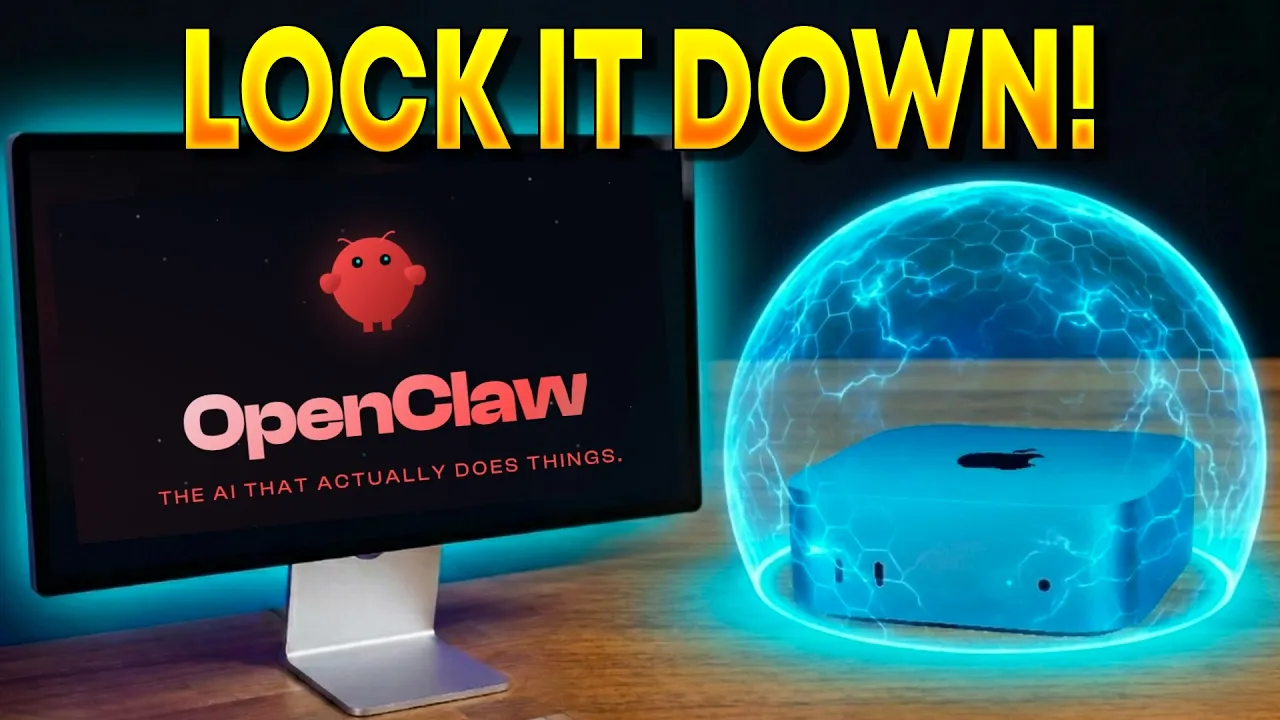
OpenClaw install guide for Mac Mini using Lume VM for maximum security. In this step-by-step tutorial, I show you how to install Lume, set up OpenClaw inside an isolated virtual machine, and create a backup of your VM so you never lose your configuration. Whether you’re new to OpenClaw or looking to harden your existing setup, this guide covers everything from first install to a fully secured, backed-up environment.
*Commands Used in This Video:* Create Custom Lume VM: lume create openclaw-vm —os macos —ipsw latest —cpu 8 —memory 12GB —disk-size 180GB —display 1920x1080 SSH Into Your VM: ssh -J your-username@your-host-ip your-vm-username@your-vm-ip
Video chapters
- 0:00 — Open Claw Install Guide
- 1:17 — Install Lume VM
- 7:07 — Install Open Claw Configuration
- 8:44 — Model Setup - OpenAI
- 12:28 — Telegram Setup
- 14:01 — OpenClaw Skills
- 15:59 — Setting Up Open Claw Hooks
- 18:24 — How to SSH into Open Claw VM
- 20:00 — Backing Up Your Open Claw Lume VM
Watch the full video and find the original resources on YouTube.